
Create reusable brand backgrounds and references
Create reusable Infiknit brand backgrounds and references with approval notes, controlled variants, and a clear source of truth.
 Sofia ReyesBrand & Product Editor
A reusable brand reference is a governed visual decision. It can define a background surface, lighting language, colour relationship, character, product view, or recurring prop. Infiknit keeps the source, instruction, candidate, and approval note together on a canvas so later images and videos can reuse a known direction without treating every generation as a new source of truth.
Consistent brand visual system, AI background reference, and brand style canvas share this page because the search job is to create reusable visual constraints, not one-off images.
Short answer: Choose one brand decision to preserve, such as a background surface, lighting style, palette, product angle, or recurring character. Add a source reference and a short instruction to the Infiknit canvas. Generate a small set of candidates and review them at the crop and size where they will be reused. Reject branches that change the product, introduce unapproved marks, or make the style too narrow to reuse. Save the accepted reference with its purpose and approval status. A reusable reference is a constraint with evidence; it is not a guarantee that every provider will reproduce it perfectly.
Answer in practice: Start with a reference that already contains the brand decision you want to preserve. If the goal is a warm tabletop background, show the surface, light direction, and usable negative space. If the goal is a product angle, show the geometry and label clearly. Write the intended use beside the candidate: “vertical product demo,” “square catalog crop,” or “character close-up.” That context helps the reviewer reject a beautiful reference that leaves no room for the next shot. Keep accepted references separate from experiments and retire them when the brand direction changes.
What do reusable brand references solve?
Brand references reduce visual drift across a set of assets. Without a governed source, each creator may interpret the palette, surface, or product angle differently. A canvas reference makes the accepted decision visible and reusable while keeping the original evidence available for review.
A reference card worth saving
Name the reference by purpose. Record what it controls, what it does not control, the source image or brief, the approved crop, and the date of review. Add one example of correct use and one known limitation. For instance, a background reference may guide surface and light but should not be used to infer product geometry. That small card prevents a later editor from stretching one constraint beyond its intended job.
For a product launch that needs still and moving assets, separate identity from presentation before building. Identity is what must stay recognizable: product geometry, character traits, style language, or shot purpose. Presentation is what may change: framing, pose, background, motion, aspect ratio, or duration. Making that separation visible reduces drift and makes review faster.
How should a reusable reference graph be built?
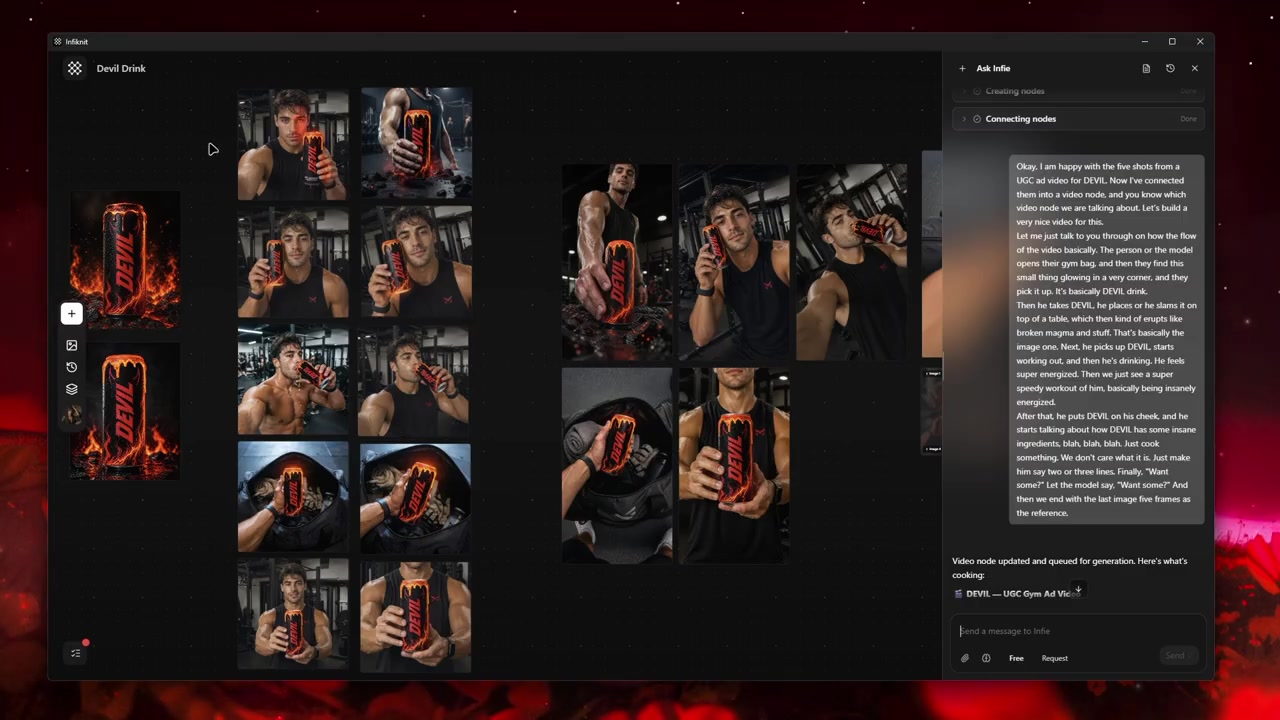
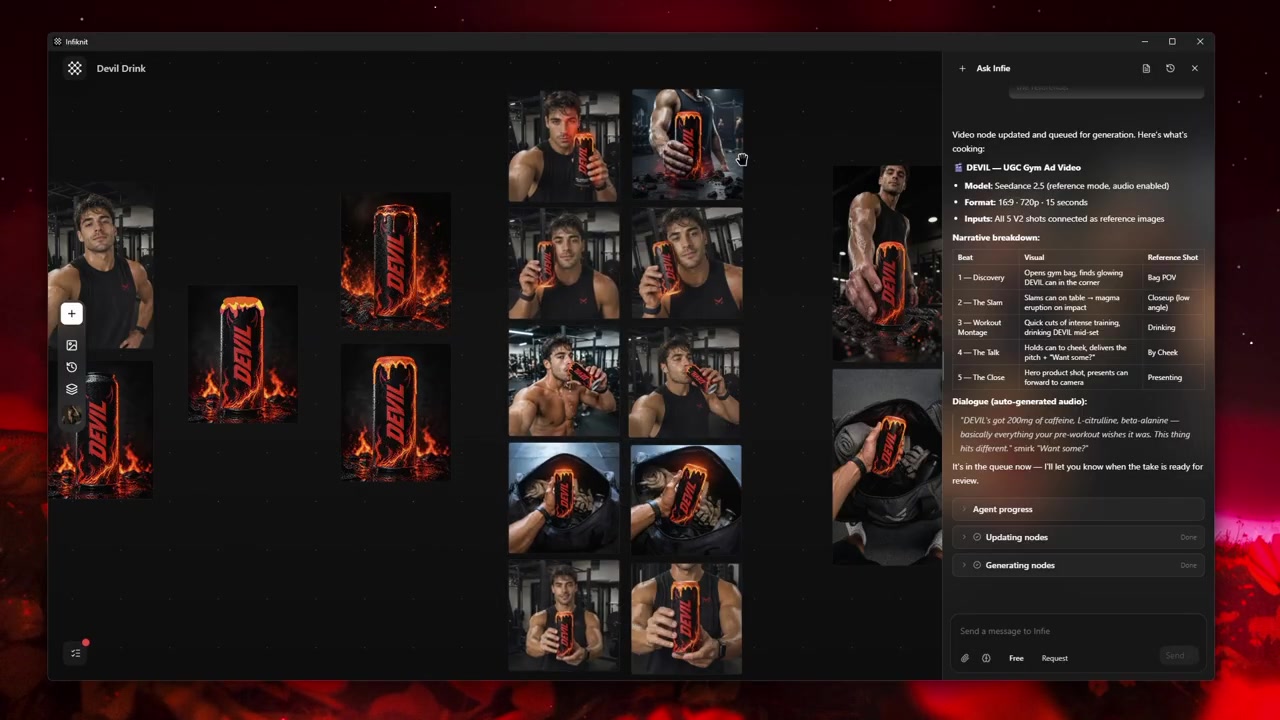
Start with five visible responsibilities: Style, Background, Product, Character, Image. One node should hold the instruction, one the strongest source, one the candidate output, one a reusable constraint, and one the next operation. A small graph with clear names is easier to inspect than a large graph with unlabeled branches.
1. Use Style for the must-keep trait
Give this Style node one responsibility and name it after that responsibility. Preserve the source it depends on, then connect only the downstream nodes that truly require it. Before generation, verify the must-keep trait in plain language. After generation, keep the source beside the result so another reviewer can reconstruct why it exists. Remember that a reusable reference needs an explicit purpose and approval note; the canvas should expose that boundary before provider time or credits are spent.
2. Use Background for the safe control
Give this Background node one responsibility and name it after that responsibility. Preserve the source it depends on, then connect only the downstream nodes that truly require it. Before generation, verify the safe control in plain language. After generation, keep the source beside the result so another reviewer can reconstruct why it exists. Remember that models interpret references differently; the canvas should expose that constraint before provider time or credits are spent.
3. Use Product for the version
Give this Product node one responsibility and name it after that responsibility. Preserve the source it depends on, then connect only the downstream nodes that truly require it. Before generation, verify the version in plain language. After generation, keep the source beside the result so another reviewer can reconstruct why it exists. Remember that quality matters more than quantity; the canvas should expose that constraint before provider time or credits are spent.
4. Use Character for the retirement rule
Give this Character node one responsibility and name it after that responsibility. Preserve the source it depends on, then connect only the downstream nodes that truly require it. Before generation, verify the retirement rule in plain language. After generation, keep the source beside the result so another reviewer can reconstruct why it exists. Remember that visual governance needs review; the canvas should expose that constraint before provider time or credits are spent.
5. Use Image for the asset category
Give this Image node one responsibility and name it after that responsibility. Preserve the source it depends on, then connect only the downstream nodes that truly require it. Before generation, verify the asset category in plain language. After generation, keep the source beside the result so another reviewer can reconstruct why it exists. Remember that the asset category should be recorded beside the source; the canvas should expose that boundary before provider time or credits are spent.
Which reference decisions should be recorded?
| Decision | Review question | Canvas evidence |
|---|---|---|
| Must-Keep Trait | What must be true before this step is useful? | A named Style node, its source, and a note that the reference has one defined purpose. |
| Safe Control | What must be true before this step is useful? | A named Background node, its source, and a note that models interpret references differently. |
| Version | What must be true before this step is useful? | A named Product node, its source, and a note that quality matters more than quantity. |
| Retirement Rule | What must be true before this step is useful? | A named Character node, its source, and a note that visual governance needs review. |
| Asset Category | What must be true before this step is useful? | A named Image node, its source, and a note that the asset category is recorded. |
Choose a generation route after defining what the background reference is allowed to influence. Check its accepted reference type, aspect ratio, and crop behavior before queuing. If the route treats a background as broad inspiration, do not describe it as a locked set. Record the tested route and the safe control beside the reference so a later reuse does not silently alter product geometry.
What does a reusable reference look like?
Consider a product launch that needs still and moving assets. Write a one-sentence acceptance condition describing what the viewer must recognize and what may change. Add source material as its own node instead of hiding every constraint inside a prompt. Create the first generation node with only the references required for that decision. If identity is wrong, repair the reference strategy. If identity is right but presentation is weak, adjust the presentation control.
Preserve the strongest candidate as a branch. Do not overwrite the only useful output while testing another direction. In a reusable brand-reference project, a branch is evidence: it shows which choice produced which result. Connect the approved candidate to the next media or refinement node. Save a reusable Character, Product, Style, or Background reference only after reviewing it at full size.
Review the artifact both as a final candidate and as an input. A still can look coherent in a thumbnail while hiding text or geometry problems. A video can move smoothly while changing the subject. A trim can remove the setup needed by the next shot. Queue downstream work only when both reviews pass.
How should a brand reference be checked?
- State the trait the reference owns: surface, light direction, palette, texture, or recurring setting.
- Compare the product silhouette, label, and shadows before judging whether the background feels on-brand.
- Check the reference at every intended crop, including a vertical crop with space for text.
- Record source, role, route, aspect ratio, and the condition that retires the reference.
- Keep the approved reference untouched; derive a new version for a new palette or season.
- Reject a candidate that makes a background reference change the item it was meant to frame.
- Review one still and one downstream use before adding the reference to a reusable set.
- Name the accepted branch by purpose, not by provider or date alone.
What fails when a reference is reused?
Role leakage: If a background changes the product mark or geometry, remove it and test the product source without presentation input. Split style and product roles rather than adding more adjectives.
Route interpretation: Providers may treat the same reference as inspiration rather than a fixed scene. Record the route and inspect the first candidate before making a reusable claim.
Reference pile-up: Several similar backgrounds make it hard to know which one caused a change. Keep one accepted source per purpose and version it when the palette or setting changes.
Governance drift: A reference that was safe for one campaign may be wrong after a product or brand update. Set a retirement condition and review active references at the start of each new project.
How does Infiknit support reusable references?
Infiknit keeps a background source, its named role, candidate branches, and retirement note visible on the canvas. A Background or Style asset can be reused beside a Product or Character source, while the accepted Image remains connected to the review decision that approved it. The canvas records the relationship; the provider still determines how much of the reference appears in the result, so inspect each new crop before reusing it.
FAQ
How many nodes should AI brand reference image generator use?
Keep the source, role note, candidate, and review gate visible. Add Product, Character, or Image only when that node tests a real reuse question. A compact reference card is more useful than a large graph of unlabelled backgrounds.
What makes a brand background reusable?
The reference should preserve a named decision—surface, lighting, palette, product angle, or recurring setting—while remaining broad enough for the intended crops. Test it at the size and context where it will actually be reused.
How should reusable references be retired?
Version the accepted reference with its purpose, source, settings, approval, and retirement condition. Remove it from active reuse when the product, palette, or brand direction changes so old constraints do not leak into new work.