
Create consistent AI product photography
Keep AI product shots consistent across scenes and crops. Use an approved reference, separate lighting from product identity, and check labels before reuse.
 Sofia ReyesBrand & Product Editor
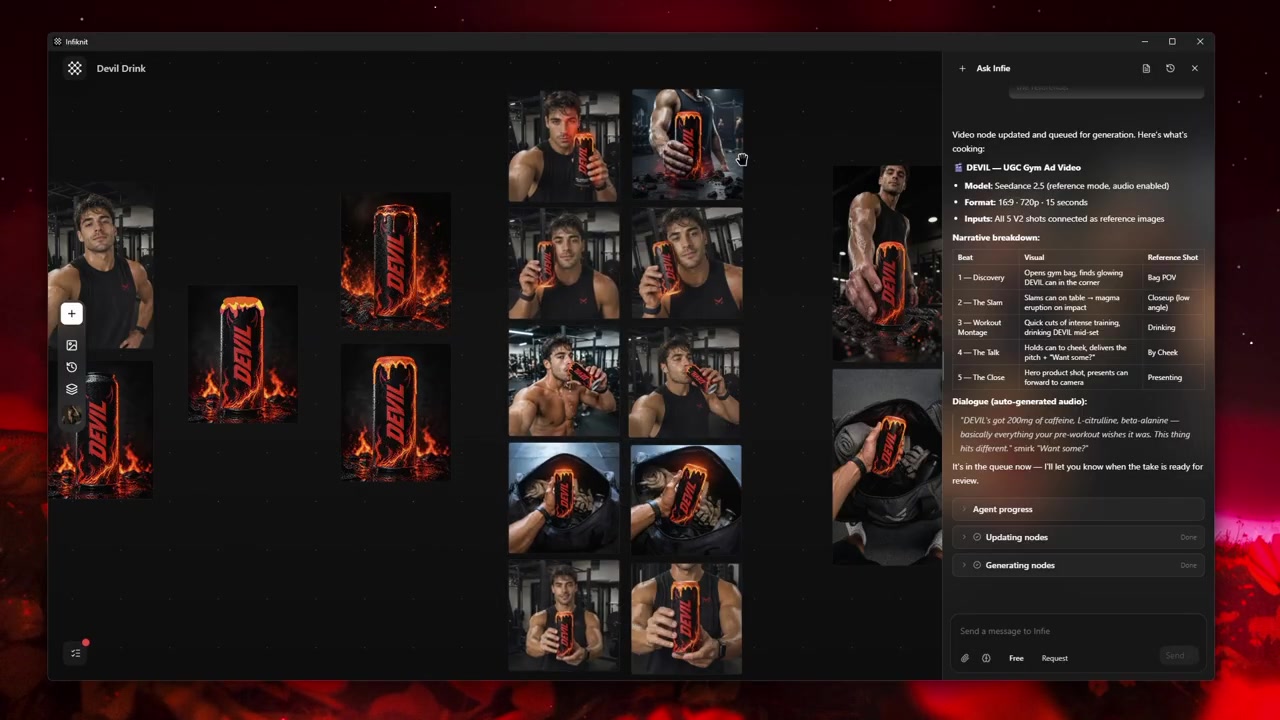
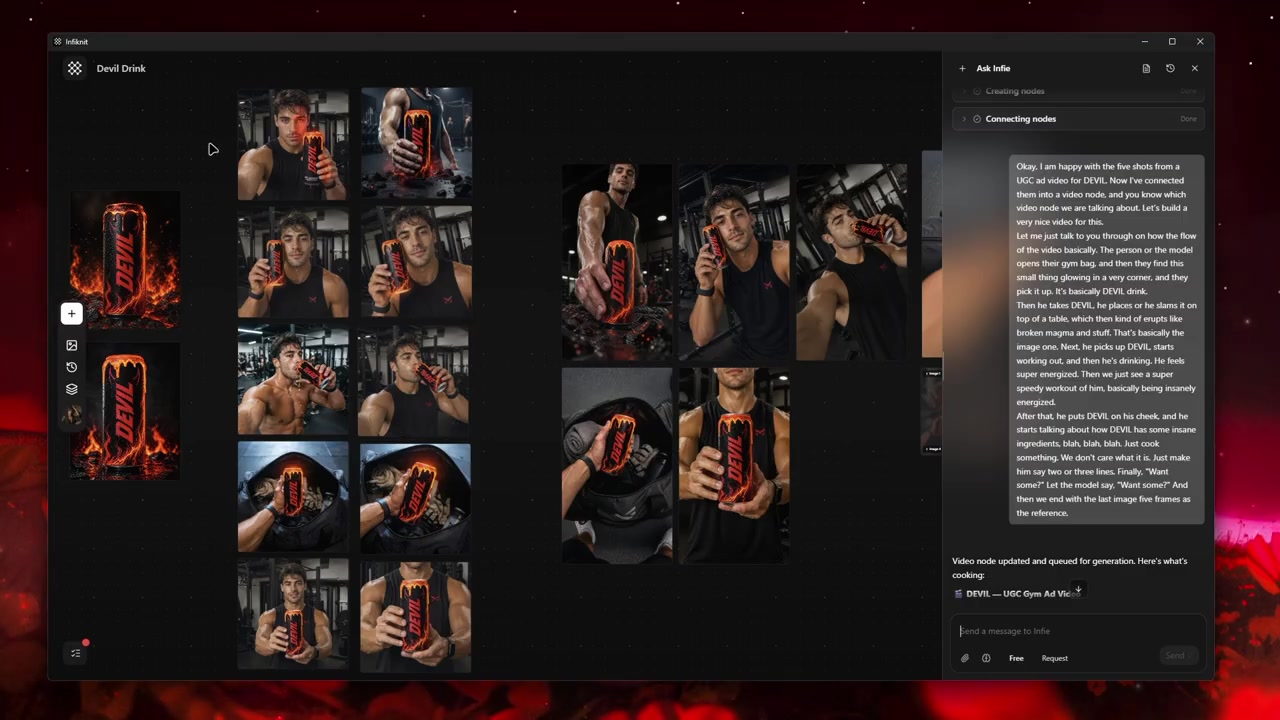
Consistent product photography starts with a reliable source, not a favourite style prompt. The product reference should prove its silhouette, material, colour, label, and controls. Scene, crop, lighting, props, and surface can then change as controlled presentation choices. Infiknit keeps the reference, scene brief, image candidate, and review decision connected on a canvas so a catalog or campaign team can see which branch is approved.
Product shot consistency has two parts: the item must retain its identity, and the set must follow a shared presentation standard. Record the background, shadow direction, product size within the frame, and final crop alongside the approved reference so adjacent catalog images feel like one set.
Short answer: Separate product truth from scene direction. Keep an approved product reference fixed while testing one change at a time: crop, background, lighting, prop, or camera angle. Name the source and scene brief on Infiknit canvas nodes. Review the product at full size and at the final delivery crop. Check shape, label, material, colour, controls, scale, and shadows. If a branch changes the product, retire it instead of hiding the defect with a crop. Save the accepted image and its source so a video, social post, or product-page variation can start from evidence rather than a new guess.
Answer in practice: Write two lists before generating. The first is product truth: geometry, materials, markings, dimensions, controls, and approved claims. The second is presentation: surface, light, camera, crop, props, and mood. Use the same source for a clean catalog branch, a lifestyle branch, and a social crop. Review the catalog branch first. If the product is accurate, use it as the reference for the lifestyle branch. If a label becomes unreadable or the scale feels wrong, repair the source or scene instruction before adding more style references. The accepted branch should retain the product image and the decision that made it pass.
What does consistent product photography solve?
Product photography consistency protects trust across a catalog. A shopper may see the same item in a white-background listing, a lifestyle scene, and a short video. If the shape or label changes between those contexts, the creative variation becomes a product error. A shared reference and visible approval branch reduce that risk.
A three-scene product set
Create a clean product view, a use-in-context view, and a close detail. Keep the product reference constant. Change only the setting or crop in each branch. Review the final delivery sizes, not only the large working canvas. The detail view should show the feature the copy names. The lifestyle view should keep scale believable. The clean view should remain the source of truth for later edits.
For a catalog, identity means the physical facts a customer relies on: the product silhouette, proportions, surface, label, controls, and approved color. Presentation means everything around those facts: camera distance, lighting direction, background, prop, crop, and aspect ratio. Put both lists in the brief before generation. That makes a change diagnosable: a changed cap is a product failure, while a weak shadow is a presentation problem.
How should a product-photography graph be built?
Build one source branch and three presentation branches. Naming the branches after the shot makes a product set easier to review than a grid of automatic node IDs.
1. Product node: lock the item
Place the cleanest approved product image in a Product or Image node. Name it with the product or SKU and list the details it proves. Keep this node unchanged while you test scenes; it is the comparison point for every output.
2. Text node: write the shot brief
Describe one frame: view angle, surface, light, crop, and negative space. State what is fixed (“label faces camera”) and what may change (“warm stone background”). Keep marketing copy and product claims outside the generative instruction unless they are already approved.
3. Background and Style nodes: isolate presentation
Use a Background node for a surface or environment and a Style node for palette or lighting language. Each reference needs one job. If a style reference starts changing the product finish, remove it from the branch instead of trying to compensate with a longer prompt.
4. Image node: make the candidate
Connect only the product source, shot brief, and references needed for this test. Generate one candidate and inspect it at full size. Keep the branch beside its inputs; that is the evidence for why a particular image passed.
5. Crop branches: adapt the approved still
After a product view passes, branch it for square catalog, landscape detail, and vertical social delivery. Reframing an approved still keeps product truth stable. Regenerate only when the new crop needs a genuinely different scene.
Which photography decisions should be recorded?
| Decision | Review question | Canvas evidence |
|---|---|---|
| Product identity | Does the source prove the silhouette, finish, label, and controls? | Named Product/Image node and approved source. |
| Shot brief | Is the angle, surface, light, crop, and negative space explicit? | One Text node for the branch. |
| Reference scope | Does every Background/Style input have one responsibility? | Purpose note beside each reference. |
| Full-size review | Are product edges, label, color, and scale still correct? | Candidate beside source at delivery crop. |
| Reuse decision | Is the accepted still safe as a source for later formats? | Approved branch with channel and limitation. |
Before batching, inspect the selected model's enabled inputs and aspect-ratio controls. A model may accept the product source but not the extra style reference, or it may expose a different crop option. Make that limitation visible in the branch and test the supported combination rather than assuming every model handles the same reference pack.
What does a consistent product set look like?
Use a three-scene set for a ceramic bottle: clean listing, bathroom shelf, and close label detail. Approve the clean listing first. Keep the bottle source fixed while changing only the surface and light in the bathroom branch. For the detail branch, change the crop but not the bottle reference. Compare each output at its real delivery size; a label that passes in the working canvas may be unreadable in a marketplace tile. If a branch alters the cap or label, return to the clean source and remove the presentation reference that introduced the drift.
Keep rejected branches with a short reason such as “cap geometry changed after marble reference.” That note prevents a later creator from reusing a visually attractive but incorrect source. Connect only approved images to downstream video, social, or copy work. Save a reusable Product or Style reference only when its intended scene and limitation are clear.
Review the image both as a final asset and as an input. Check product truth first, then composition, then crop-safe text space. This order avoids spending time polishing a scene built on a wrong item.
How should product photography be checked?
- Write the desired outcome in plain language.
- Keep the original source beside every derivative.
- Name nodes by responsibility rather than automatic ID.
- Change one major variable at a time.
- Verify model support for every connected input.
- Review product, character, text, and brand details at full size.
- Save references only after human approval.
- Record which candidate was accepted and why.
- Keep failed outputs when they explain a boundary.
- Save a Blueprint only after the graph works.
Record the image dimensions, aspect ratio, product position, and background treatment for each delivery format. When an approved still becomes a video reference, use the separate guide to keeping products consistent across UGC variations to review identity during motion.
What fails in AI product photography?
Product drift: A changed silhouette, cap, control, label, or material disqualifies the branch. Reuse the last approved product source and rerun the scene with fewer references.
Unreadable detail: Review labels and small controls at the final crop. If the detail is not legible, change framing or use an approved close source; do not invent replacement text.
Inconsistent lighting: A new background can alter color and shadow. Keep the product branch constant and tune the presentation reference separately.
Overfilled set: Props can obscure the item or leave no crop-safe space. Remove one prop at a time and record the accepted composition before adapting formats.
How does Infiknit support product photography?
Infiknit keeps working evidence for consistent product photography in the canvas. Canvas projects preserve nodes, groups, viewport state, titles, and durable media references. Generated or uploaded media can become downstream inputs. Style, Character, Product, and Background assets can return as reference nodes. Eligible Image, Video, and Video Trim nodes can run directly or through a dependency graph.
For consistent product photography, the agent can organize and connect the source, brief, candidate, and approved branch through validated canvas tools. It does not replace the full-size product review or directly repair a changed label. Keep the accepted still and its source visible; that comparison is what protects consistency across the next crop or scene.
FAQ
How many nodes should AI product photography consistency use?
Use one approved product source plus the branches for the clean listing, lifestyle scene, and detail crop. Add another branch only for a named channel or scene decision, and keep every branch tied to the same product checks.
Which product details must remain consistent?
Lock the silhouette, proportions, finish, label placement, and distinctive hardware shown in the approved reference. Treat lighting and background as separate variables so a new scene does not quietly change the product.
What should be checked before a product batch?
Compare one candidate against the approved reference at the final crop. Check edges, logos, text, material texture, and color before using the same reference pack for additional products or angles.