
Extract, freeze, and reuse frames from video
Extract, review, and reuse video frames in Infiknit as references for later image or video decisions for controlled iteration.
 Arjun DesaiImage Creation Editor
The useful frame is not always the last frame. Choose the moment that proves the product, pose, expression, or composition you want to reuse. Infiknit keeps the source video, selected frame, next instruction, and review status connected on a canvas. That turns a freeze frame into evidence rather than an unexplained screenshot.
Video frame as AI reference, freeze frame for image generation, and selected video frame describe the same job: choose a stable moment before building the next asset.
Short answer: Review the video and choose the frame that proves the next decision. Freeze it or extract it as a separate reference. Check identity, product geometry, hands, text, lighting, and crop at full size. If the frame contains motion blur or an awkward transition, choose an earlier or later moment. Keep the selected frame connected to the source and name its intended use. Use it as an image or video reference only after the still passes review. A frame is a useful source when it explains what the next generation must preserve.
Which frame is worth freezing from a clip?
Answer in practice: Name the moment before scrubbing: “hand holding the open bottle,” “character facing camera,” or “clean end pose.” Find the clearest frame and inspect it without the surrounding motion. Reject frames with blur, a hidden label, a half-finished gesture, a changed camera angle, or an occluded product. After the frame passes, record its timecode and role: composition reference, identity reference, or first/last-frame constraint. Connect it to the next Image, Video, or Text decision while keeping the source clip beside it. A frozen frame proves only what it visibly contains; it does not prove the motion before or after it. That label prevents a later creator from using a good pose as if it were a full product specification or a reliable continuation endpoint.
What frame reuse solves
Frame reuse preserves continuity between media types. A video can provide the reference for a still. The still can establish the first frame of another shot. Keeping the source and selection together shows why the next asset looks the way it does.
A frame selection checklist
- Is the subject stable and fully visible?
- Does the frame prove the trait the next branch needs?
- Is motion blur low enough for a reference?
- Does the crop match the next delivery format?
- Is the frame labelled with its intended role?
The useful still is not always the last frame. Choose it for the next decision: identity, pose, product geometry, composition, or a first/last-frame constraint. Keep identity evidence separate from presentation choices such as crop, background, and aspect ratio. A frame selected for a product label may be excellent for a still image but unsafe as a continuation endpoint if the subject is already moving.
Build the smallest useful node graph
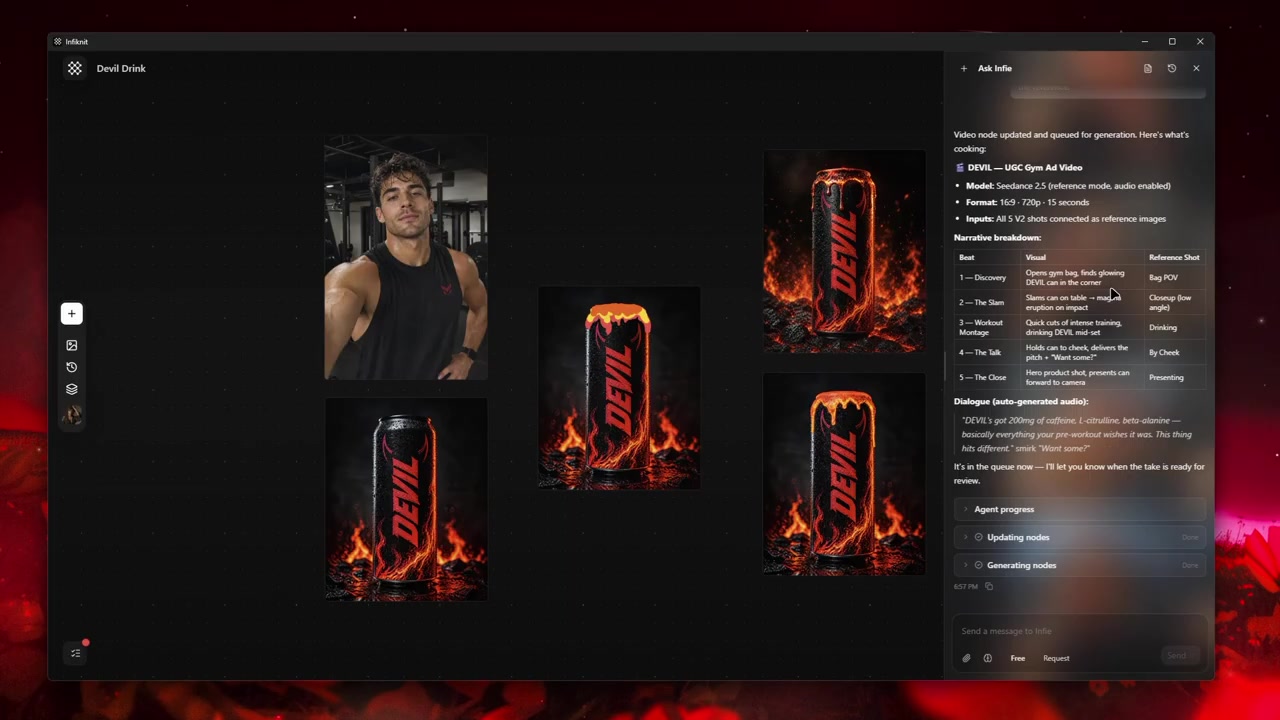
Keep five responsibilities visible: source video, timecode or trim, selected still, intended reuse, and review note. Name the still by its role—“clean product label at 00:04.2” or “last frame for scene two”—so nobody mistakes it for an arbitrary thumbnail. Preserve the source video beside every extracted frame.
1. Define the frame's job
Write what the still must prove before scrubbing: a readable label, a clean face, a stable handoff, or a composition reference. This makes the selection testable rather than aesthetic.
2. Scrub around the moment
Inspect several frames before and after the candidate. Reject a frame with motion blur, a half-finished gesture, occluded geometry, or a camera angle that changes across the selection. Note the exact timecode after choosing it.
3. Check the still at delivery size
View the extracted frame at the crop and resolution of its next use. A label that is readable in a full video player may disappear in a vertical social crop. If the still fails at that size, choose another timecode or a different source clip.
4. Connect the intended reuse
Link the still to the next Image, Video, or Text decision and state what must remain fixed. If it will guide a continuation, record screen direction and endpoint; if it will guide a still, record composition and subject details instead.
5. Preserve the source and decision
Save the source filename, timecode, crop, intended role, and review note with the still. Keep rejected selections when they explain a boundary, such as “label hidden at 00:05.1.” This prevents the same bad frame from being chosen again.
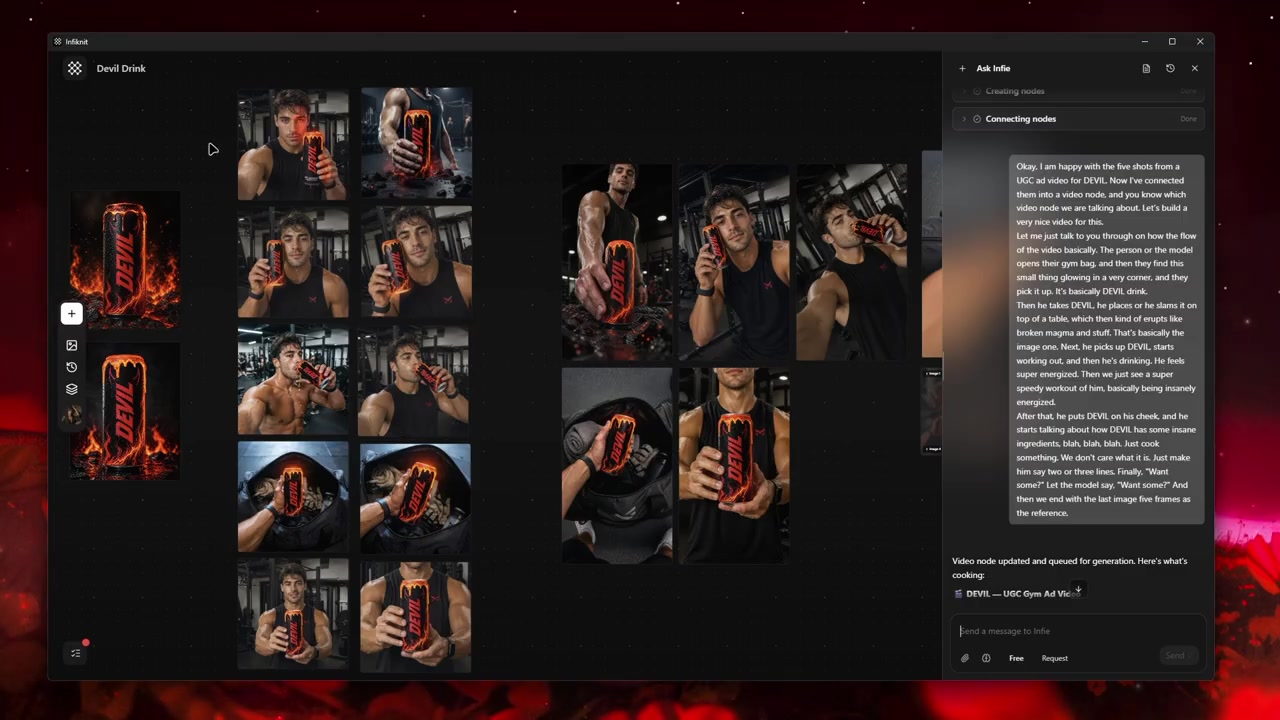
Decisions to record before generation
| Decision | Review question | Canvas evidence |
|---|---|---|
| Frame job | What must the still prove? | Named role and acceptance condition. |
| Timecode | Is this the clearest moment in the surrounding motion? | Source video, timestamp, and nearby-frame check. |
| Crop | Does the detail survive the next delivery format? | Full-size and target-crop review. |
| Reuse | What must remain fixed in the next branch? | Linked node and continuity or composition note. |
| Provenance | Can another creator find the source and reason for selection? | Filename, timecode, role, and review status. |
Choose a reuse route after naming the frame's job. Record whether the next image or video operation accepts an extracted still, the intended crop, resolution, duration, and any reference-count limit. A frame can be valid evidence for a still while being unsafe as a continuation endpoint; keep that distinction in the branch note.
Worked example
Consider a four-second clip of a hand placing a bottle on a counter. Scrub around the moment when the bottle is upright, label-facing, and no fingers cover the text. Save that frame as “product label reference,” record its timecode, and link it to a product-image branch. Choose a later frame for a continuation only if the hand has settled and the camera direction is unchanged. The two stills have different jobs even though they came from one source video.
Keep the selected still linked to its source video, timecode, crop, and intended role. Inspect it at full size and at the destination crop before connecting it downstream. Retain a rejected selection when it explains a boundary such as “label hidden at 00:05.1,” but do not promote a visually attractive transition frame to a reusable asset.
Quality-control checklist
- Name the frame's job: identity, product label, pose, composition, or handoff.
- Record source filename, timecode, nearby-frame check, and crop.
- Inspect several frames before and after the candidate to avoid blur or half-finished motion.
- Check the still at full size and the next delivery format.
- State what the downstream branch must keep fixed.
- Use a separate still for a continuation endpoint when the selected frame is already moving.
- Preserve the original video beside every extracted image.
- Keep rejected frames only when they explain a selection boundary.
- Record the accepted frame, intended use, and review note before reuse.
Record resolution, aspect ratio, and target duration when the extracted frame feeds a later image or video operation.
Failure modes and honest limits
A video operation may require local media or a supported trim. Keep the source clip and selected range visible, and record the boundary when the route cannot accept the input. A frame can still be reviewed and reused manually even when an automated branch is unavailable.
A still can be sharp but poorly timed. Inspect neighboring frames and record the timecode; do not infer the preceding or following motion from one image.
The selected crop may fail at delivery size. Recheck labels, hands, and captions in the actual destination ratio. Choose another timestamp if the important trait disappears when the frame is reduced.
The canvas preserves provenance, not pixel edits or audio finishing. Keep any specialist extraction, crop, or sound step explicit in the handoff note before publishing.
How Infiknit supports the method
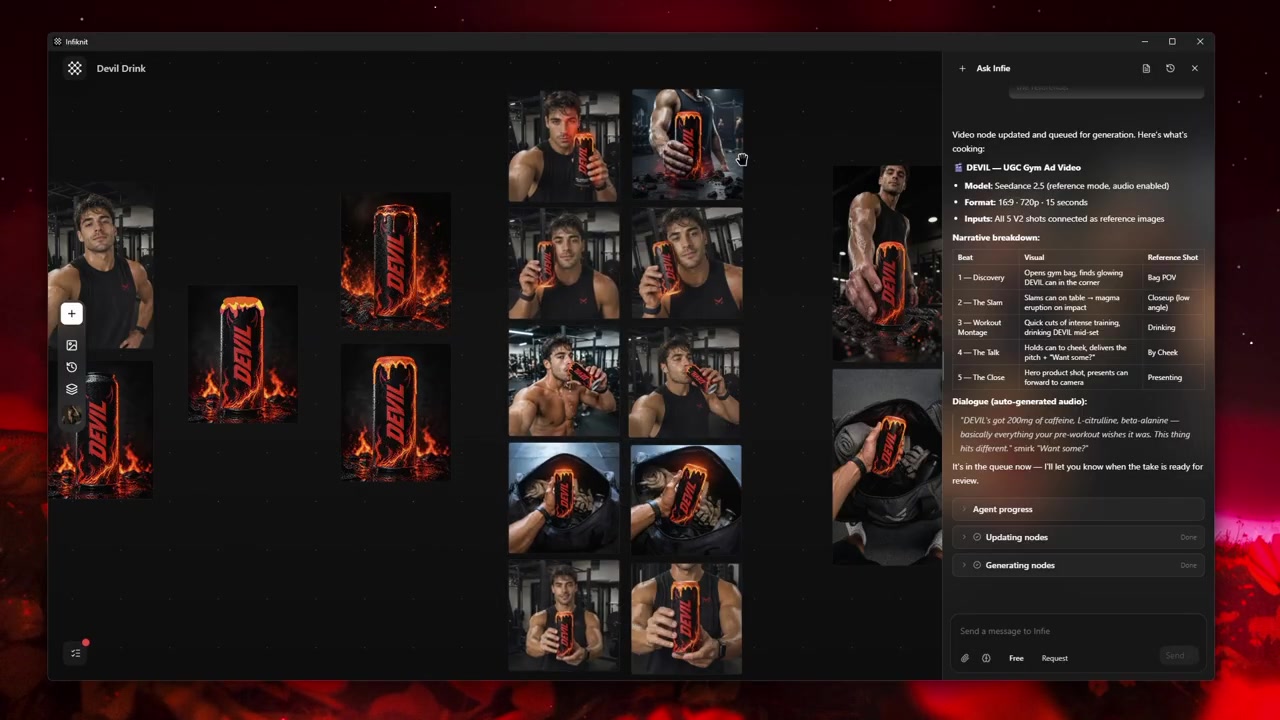
Infiknit keeps working evidence for extracting a last frame from video in the canvas. Projects preserve nodes, groups, viewport state, titles, and durable media references. Generated or uploaded media can become downstream inputs. Style, Character, Product, and Background assets can return as reference nodes. Eligible Image, Video, and Video Trim nodes can run directly or through a dependency graph.
The internal agent can preserve source video, selected frame, timecode, role, and eligible image or video operations as connected nodes. It can expose the downstream relationship, but it cannot choose the best frame for a human claim, perform arbitrary pixel edits, or judge audio. Keep the final selection and crop review in the attached note.
FAQ
How many nodes should extract last frame from video use?
Use source video → timecode/trim → selected still → intended reuse → review. Add a second frame only when it answers a different question, such as identity versus continuation. The graph should make the selection reason visible without storing every scrubbed frame.
Which frame is worth freezing from a clip?
Choose the frame that clearly proves the next decision: identity, product geometry, pose, text, lighting, or composition. Avoid motion blur and transition frames even when they look attractive in a moving preview.
What should be saved with an extracted frame?
Keep the source video, timestamp or trim range, extracted still, intended use, and review note. This makes the still traceable when it becomes a reference for a later image or video branch.
Is the last frame always the best frame to reuse?
No. The last frame may contain motion blur, an unfinished gesture, or a subject that has left the composition. Choose the frame that proves the next decision and record its timecode; use the last frame only when it also passes the identity, geometry, and crop checks.